Installing August SharePoint 2010 Cumulative Update
In this article I will install the August SharePoint 2010 Cumulative Update on my SharePoint 2010 farm. You can find the latest news and updates about SharePoint 2010 products on this site: http://technet.microsoft.com/en-us/sharepoint/ff800847.aspx
Needed Updates:
- SharePoint Foundation 2010: http://support.microsoft.com/kb/2028568 – the file that will be extracted from the zip file is “spf-kb2352346-fullfile-x64-glb.exe”
- SharePoint Server 2010: http://support.microsoft.com/kb/2352342 – the file that will be extracted from the zip file is “office-kb2352342-fullfile-x64-glb.exe”
Other Updates (Optional – Only use if you are running Project 2010 or FAST):
- SharePoint Server 2010 and Project Server 2010: http://support.microsoft.com/kb/2352345
- The Office 2010 Cumulative Update for August 2010 (KB 2396341) contains additional hotfixes that apply to Project Server 2010 and FAST Search Server 2010 for SharePoint.
Summary of installation:
1. run “spf-kb2352346-fullfile-x64-glb.exe” (SharePoint Foundation 2010 update) on all SharePoint Servers (do not run the configuration wizard after you install this)
2. run “office-kb2352342-fullfile-x64-glb.exe” (SharePoint Server 2010 update) on all SharePoint Servers (do not run the configuration wizard after you install this)
3. Run the SharePoint the “SharePoint Products Configuration Wizard” from ONE server only AFTER both updates has been installed on ALL SharePoint servers.
Validate Version
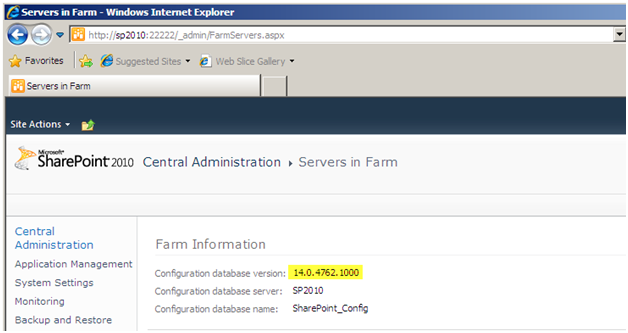
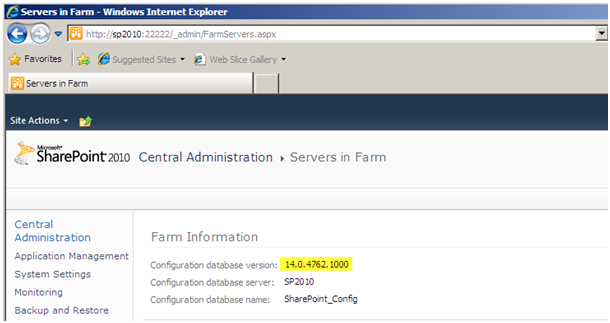
Check the version of SharePoint you are running, in this case it’s the base SharePoint 2010 installation which is version 14.0.4762.1000
SharePoint Foundation 2010 update
Run the “spf-kb2352346-fullfile-x64-glb.exe” on all servers in your SharePoint 2010 farm. Let one complete before you install it on another box in the farm.
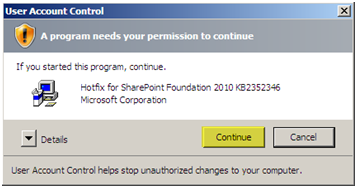
UAC should be disabled on all of your SharePoint Servers. If you have it enabled you will get this prompt.
Press “Continue”
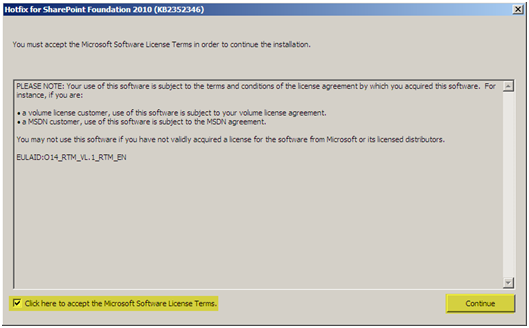
Accept the License Agreement
Press “Continue”
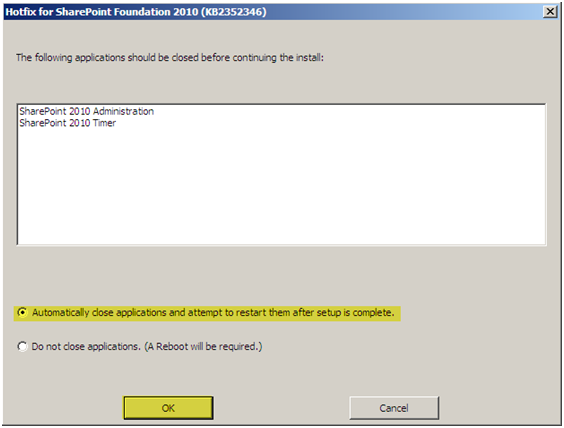
You might not see this next screen if these services are not running
Select “Automatically close applications and attempt to restart them after setup is complete”
Press “OK”
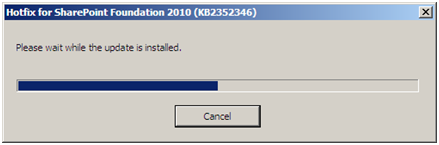
The update will install
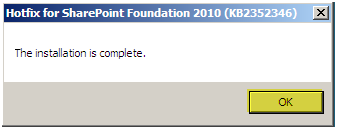
The install will complete.
Press “OK”
Run this install on ALL other SharePoint 2010 boxes at this point before installing the next update!
SharePoint Server 2010
Run “office-kb2352342-fullfile-x64-glb.exe” on all servers in your SharePoint 2010 farm. Let one complete before you install it on another box in the farm.
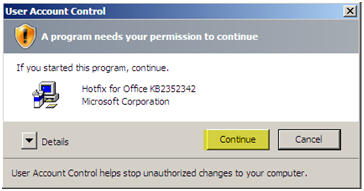
UAC should be disabled on all of your SharePoint Servers. If you have it enabled you will get this prompt.
Press “Continue”
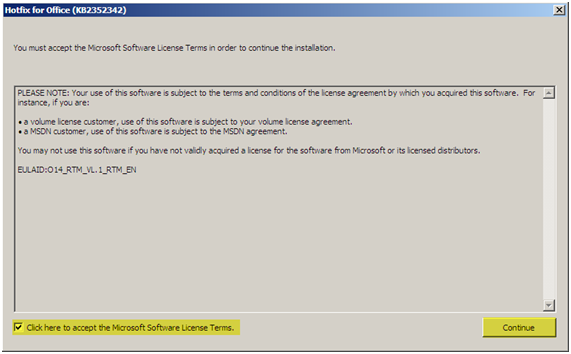
Accept the License Agreement
Press “Continue”
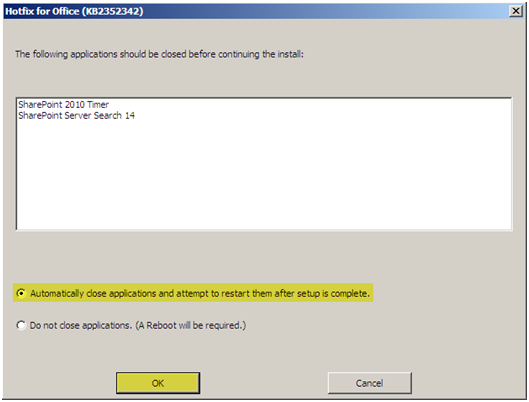
You might not see this next screen if these services are not running
Select “Automatically close applications and attempt to restart them after setup is complete”
Press “OK”
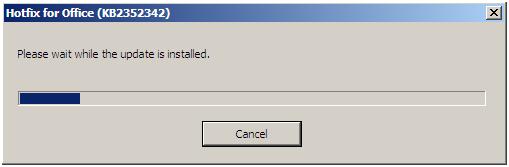
The update will install
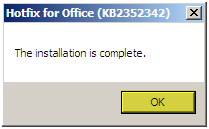
The install will complete.
Press “OK”
Run this install on ALL other SharePoint 2010 boxes at this point before running the SharePoint 2010 Products Configuration Wizard!
SharePoint 2010 Products Configuration Wizard
After both updates are installed on ALL SharePoint 2010 Servers in your farm, you will need to run the SharePoint 2010 Products Configuration Wizard from ONLY ONE server and you will need to run it only ONE time.
Run the “SharePoint 2010 Products Configuration Wizard” from the “Microsoft SharePoint 2010 Products” Start Menu option under Programs
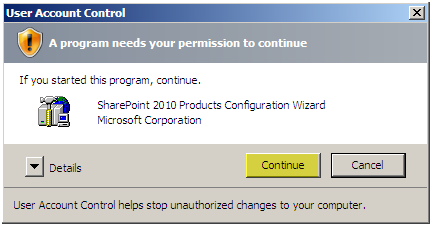
UAC should be disabled on all of your SharePoint Servers. If you have it enabled you will get this prompt.
Press “Continue”
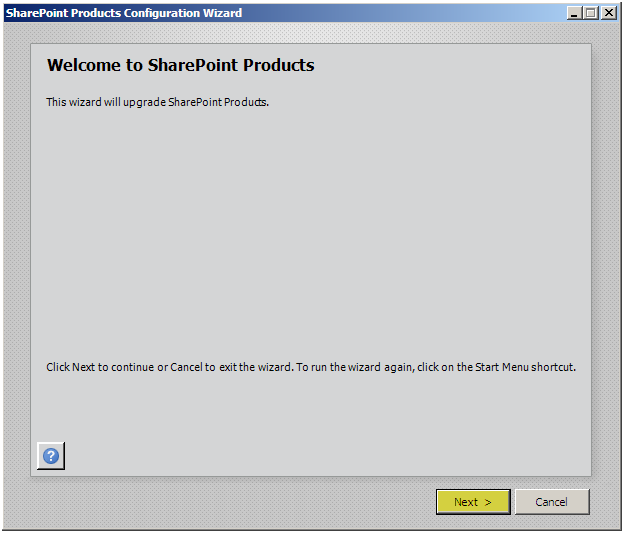
Press “Next”
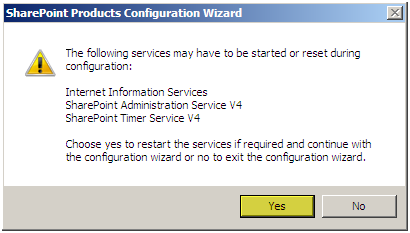
Press “Yes”
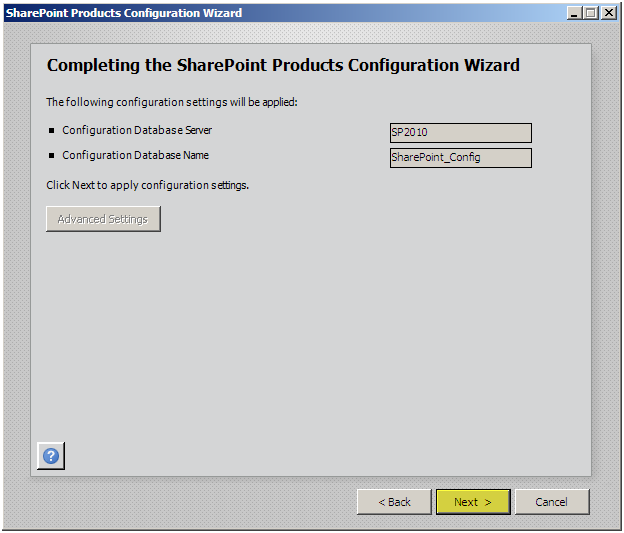
Press “Next”
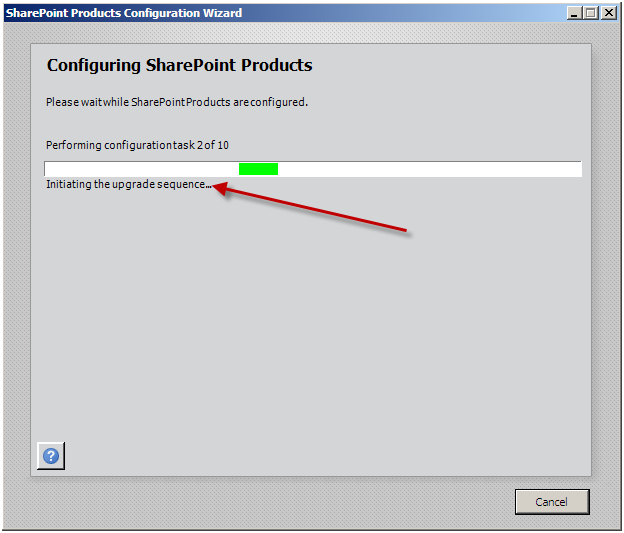
The upgrade sequence will initialize
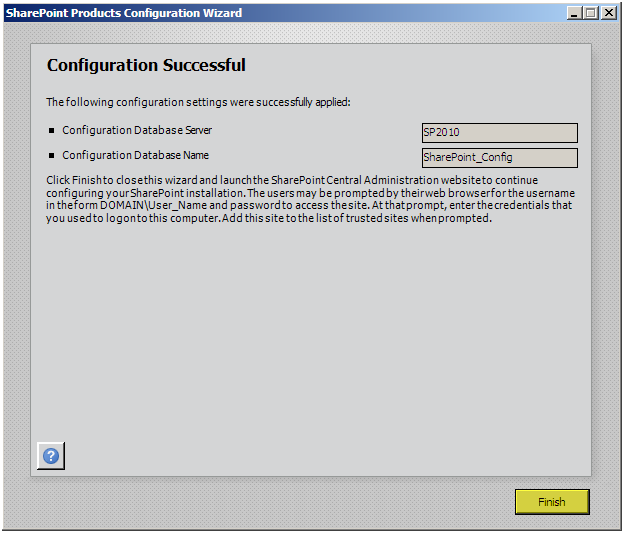
Press “Finish”
Verification of Version:
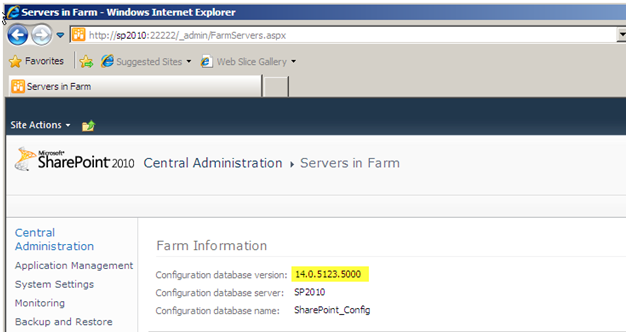
The old version was 14.0.4762.1000 and the new version after the upgrade is 14.0.5123.5000, cool beans – we’re done.