SharePoint 2010: Create Index Mirror
I am logged on to LAB-INDX as PINTOLAKE\Service-SharePoint. LAB-INDX is one of the servers where Central Administration is located, to avoid double hops. I will configure the farm directly on the server which hosts Central Administration
Open “SharePoint 2010 Central Administration” from the “Microsoft SharePoint 2010 Products” under All Programs
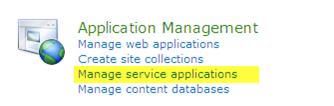
Under “Application Management” select “Manage service application”
Click “Search Service Administration”

This brings us to a section that looks similar to the old SharePoint 2010 SSP administration section of Central Administration
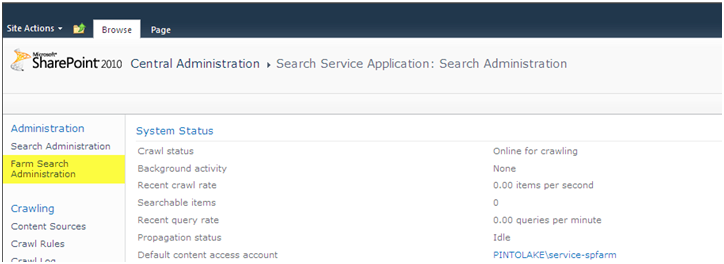
Click “Farm Search Administration” on the left side menu
Click “Modify Topology”

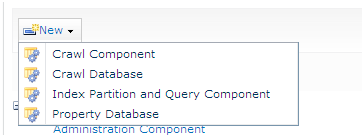
This section is where you can do thing like:
|
 |
We will be creating a mirror of the Index Partition for redundancy and high availability
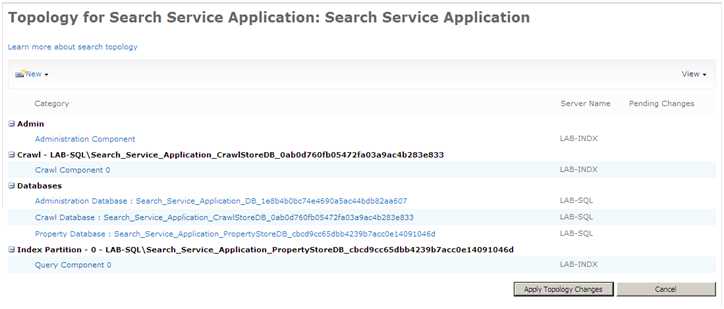
Under “Index Partition” there is a pull down menu if you highlight “Query Component 0”
Select “Add Mirror”

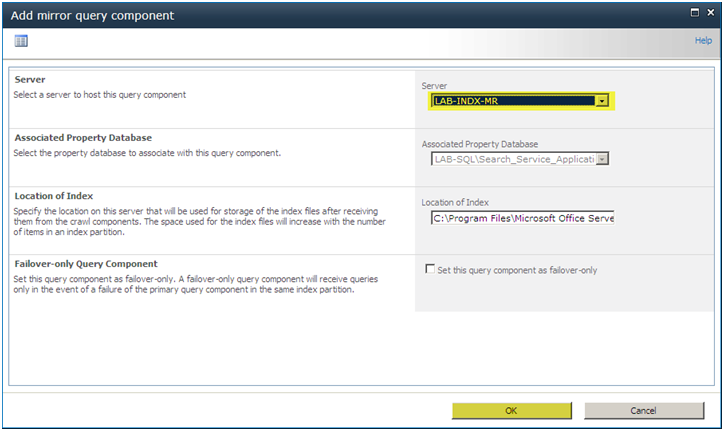
Select the Server LAB-INDX-MR
You can also change the location of your index and if you did an “Edit Properties” instead of “Add Mirror” you could also change the Index location of the existing Index
You can also make it a “fail-over” which would make the set up an Active/Passive design, lets not select this as we are going for an Active/Active scenario because we hate to see 16GB sitting idle
Press “OK”
You need to click “Appy Topology Changes” or its going to be sitting at “pending creation” for eternity
Press “Apply Topology Changes”

SharePoint will process your changes
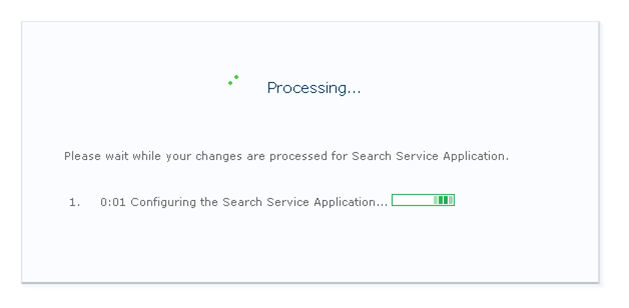
It was successful
Click “OK”

After you press OK, go to the bottom of the System Status Page.
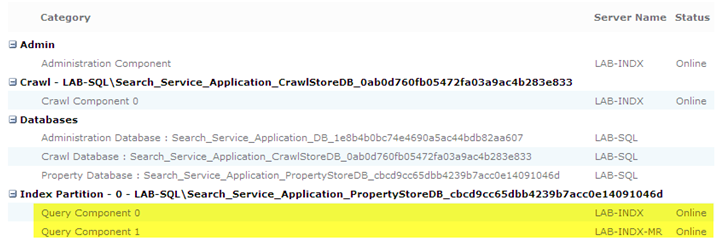
You should see Query Component 0/1 both online; note the Server Name and Status.
We are now ready to Load Balance Central Administration site. On to the next article in the series